Log In to sierraX
Use the following steps to log in to the SierraX application.
Tools Required
- Username and password
- Internet-connected device
- https://XXX.XXX.XXX.XXX:9810/web (where XXX.XXX.XXX.XXX is the site's IP address)
Steps
- Open a web browser.
- Navigate to https://XXX.XXX.XXX.XXX:9810/web (where XXX.XXX.XXX.XXX is the site's IP address). The SierraX Login page opens.
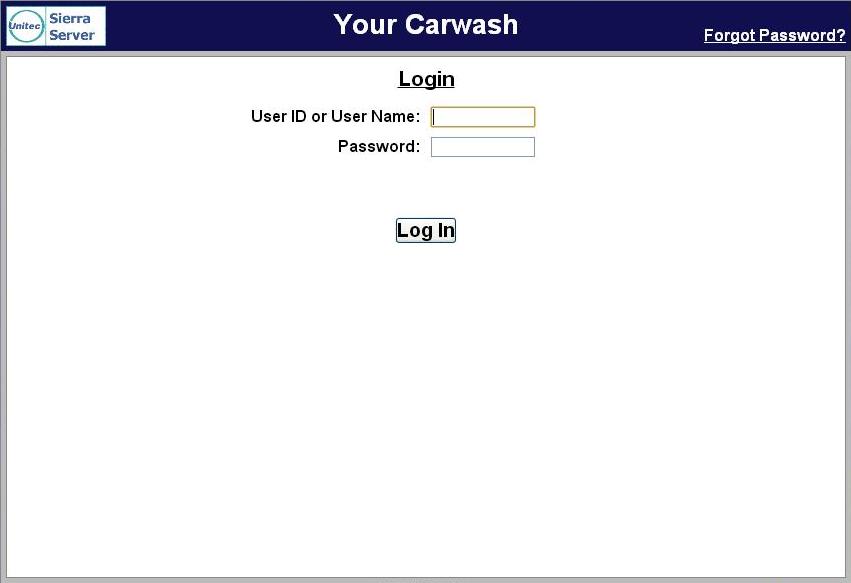
- In User ID or User Name, enter 00 (zero zero).
- In Password, enter 00 (zero zero).
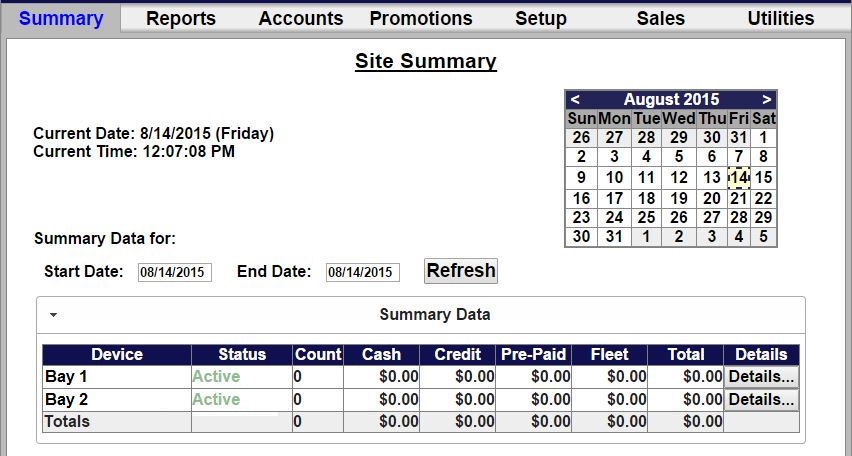
- Select Log In. The SierraX application Site Summary (Summary) page opens.
Updated: 042726