Promotions Status Report (Promotions)
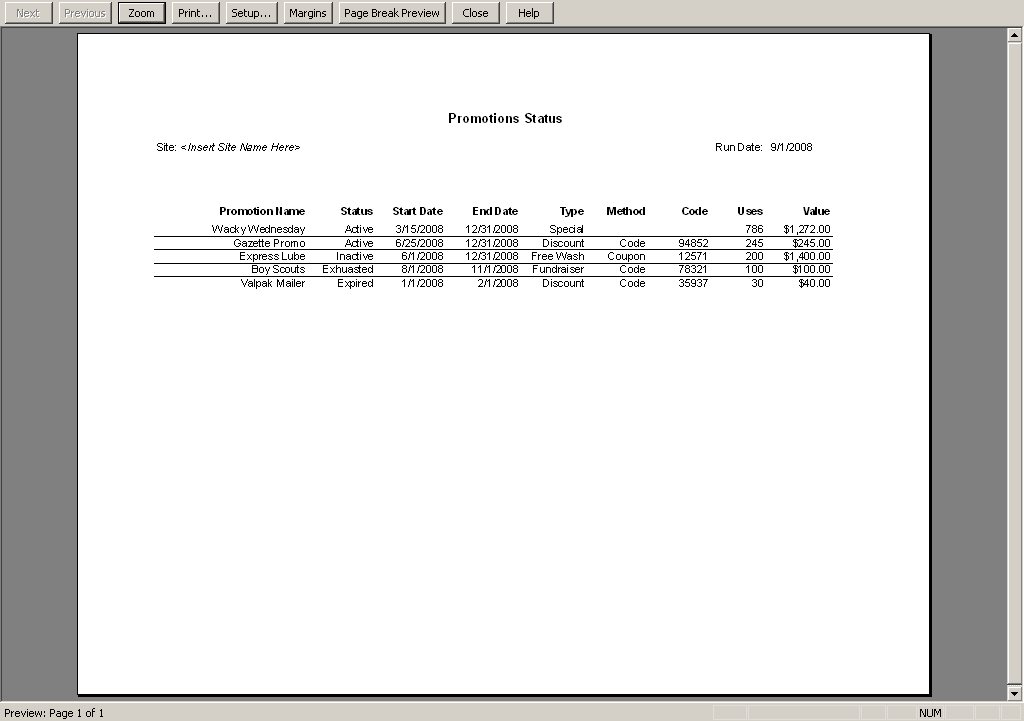
The Promotions Status Report lists all promotions that have been configured and provides status information. Reports for tracking and managing these programs are accessed through the menu options on the left side of the promotions management pages (as shown below). The value of promotions used in a time period is shown in the ‘discounts’ field of the summary section at the top of the site revenue report.
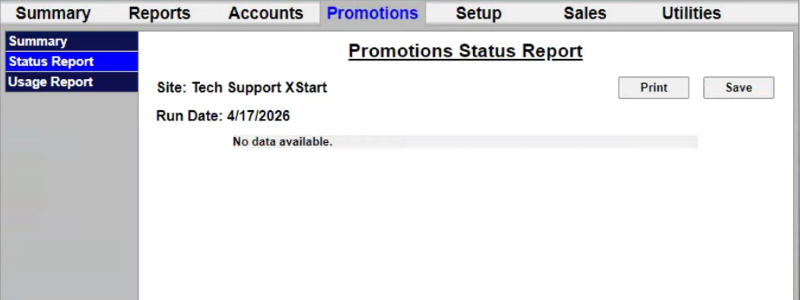
The Print function provides the ability to send the currently generated report to a configured printer in a print-friendly format.
Updated: 042726