Promotions Usage Report (Promotions)
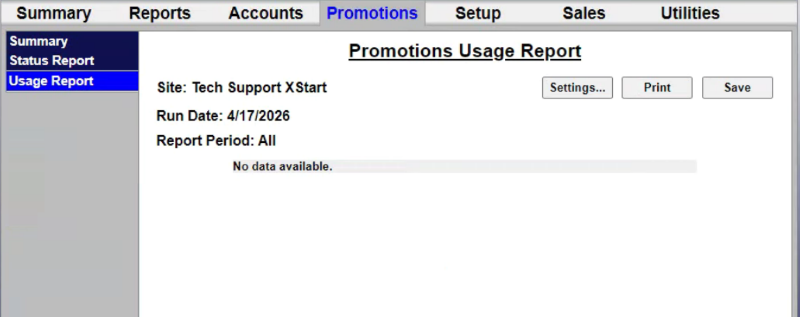
The Promotions Usage Report provides Reports for tracking and managing these programs are accessed through the menu options on the left side of the promotions management pages (as shown below). The value of promotions used in a time period is shown in the ‘discounts’ field of the summary section at the top of the site revenue report.
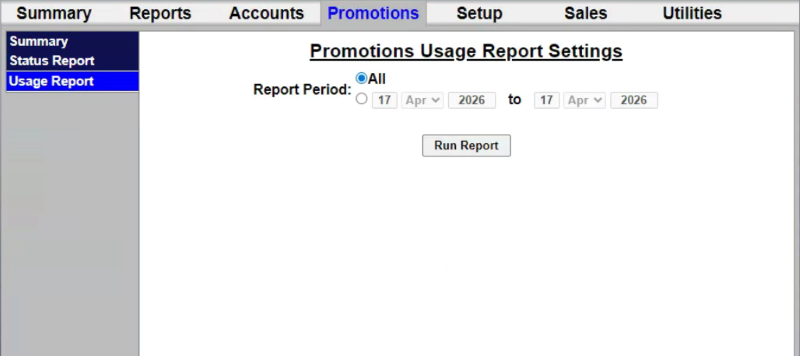
Promotions Usage Report Settings
The Promotions Usage Report Settings panel provides the ability to generate the report for all dates, or a specific date range.
Report Period
The Report Period setting provides the ability to generate the report for all time (the default) or a specific date range.
All
The All setting provides the ability to generate the report for all dates.
Date Range
The date range setting provides the ability to generate the report for a specific date range. It includes a day, month, and year settings for the start date and end date.
Run Report
The Run Report function generates the report for the selected settings.
Promotions Usage Report Data
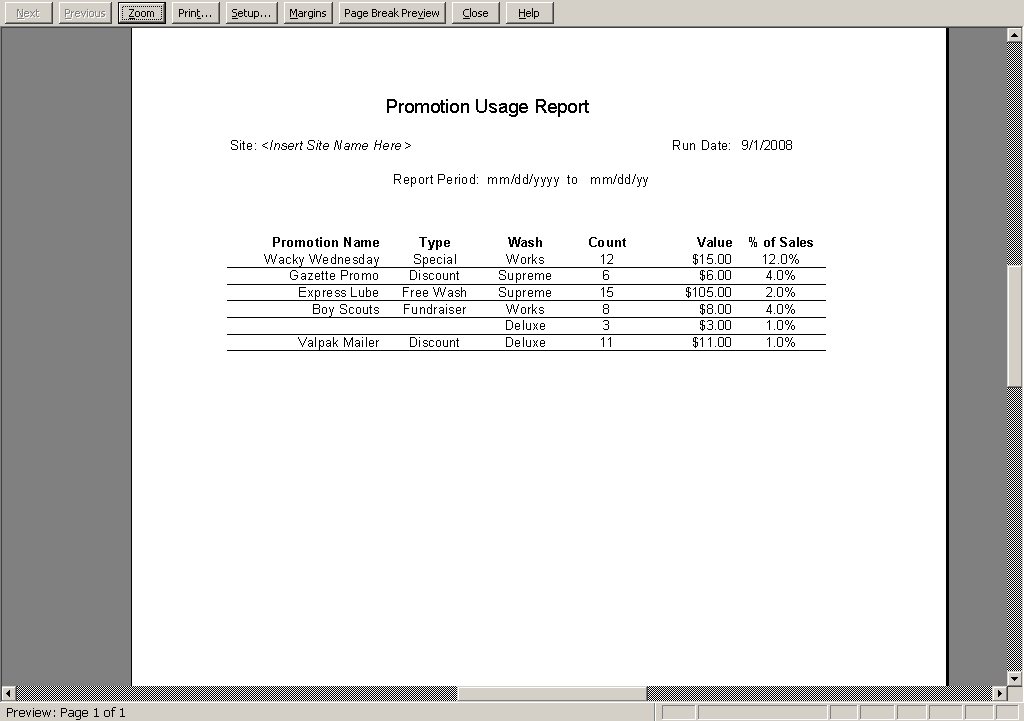
The Promotions Usage Report date includes a count and value of the promotions used over a user-defined date range. The report also includes the percentage of washes to which the promotion was applied.
Settings...
The Settings.... function opens the Promotions Usage Report Settings panel so the report can be generated with different settings.
The Print function opens Promotion Usage Report in a print-friendly format that can then be sent to a connected printer.
Save
The Save function provides the ability to export the generated report to a file.
Promotion Name
The Promotion Name column provides the name of the promotion.
Type
The Type column provides the category of the promotion.
Wash
The Wash column provides the name of the wash to which the promotion applies.
Count
The Count column provides the sum of the promotion recorded in a transaction for the date(s) the report was generated.
Value
The Value column provides the sum of the discount recorded for the promotion for the date(s) the report was generated.
% of Sales
The % of Sales column provides the percentage of all sales in which the promotion was recorded, for the date(s) the report was generated.
Updated: 042726