Summary (Promotions)
The Promotions panel provides the ability to view and manage existing promotions or add and configure new promotions. The promotions feature is used to set up and manage various marketing programs. The types of programs that are available include discounts, complimentary washes, fundraisers, scheduled specials and prize promotions.
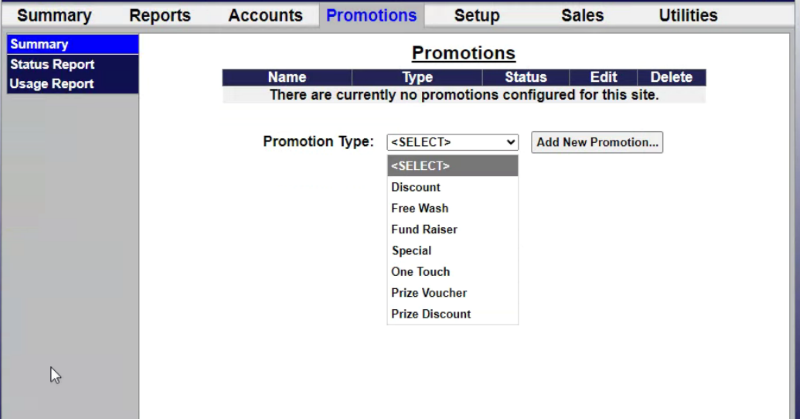
Promotions List
The promotions list provides a list, with basic information for each existing promotion.
Name
The Name column provides the name of the promotion.
Type
The Type column provides the category of the corresponding promotion, for example, Discount or Free Wash.
Status
The Status column provides the current status of the corresponding promotion, for example, Active, Inactive, Exhausted, or Expired.
Edit
The Edit column provides a function that can be selected to view and change the settings for the corresponding promotion.
Delete
The Delete column provides a function that can be selected to delete the corresponding promotion from the system.
Add Promotion
The Promotions panel provides the ability to create and configure new promotions.
Promotion Type
The Promotion Type provides the ability to specify the category of promotion to create. This must be specified to add the new promotion.
Add New Promotion...
The Add New Promotion... function creates a new promotion with configuration fields and settings based on the selected Promotion Type.
Updated: 042726