Files (Utilities)
The Files panel provides the ability to load software update files and post-sale video files to the unit. Updates are provided on a thumb drive that is to be connected to the USB port on the primary carrier board.
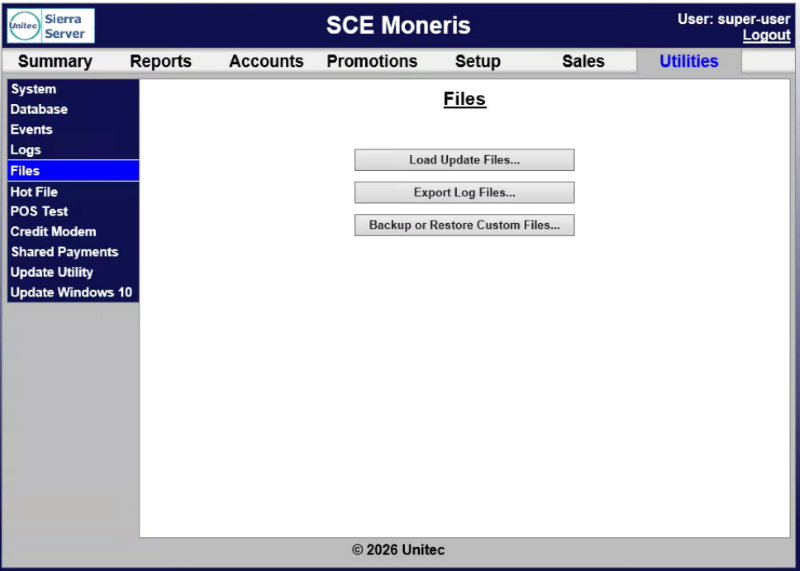
Load Update Files...
The Load Update Files... function provides the ability to upload files from another source, for example, a USB jump drive.
Note: Video files must be in .wmv format.
Export Log Files...
The Export Log Files... function provides the ability to export log files.
Backup or Restore Custom Files...
The Backup or Restore Custom Files... function provides the ability to create custom backup files or restore backup flies.
Updated: 042726