Console Screen Setup (Setup)
The Console Screen Setup panel provides the ability to configure a Sales panel for sites that have a WINCON console or that would like to issue codes from a PC, tablet or smart phone. Use it to setup buttons on the console for car wash code sales, discounts, account programs, reloading accounts, issuing rewash codes, and printing the Revenue and Sales reports. This function is available on the Sales panel, by IP address, or on the console.
Note: To configure a non-administrative user to verify and sell codes or sell accounts, Accounts and Promotions and Code and Account Sales must be assigned to the user account.
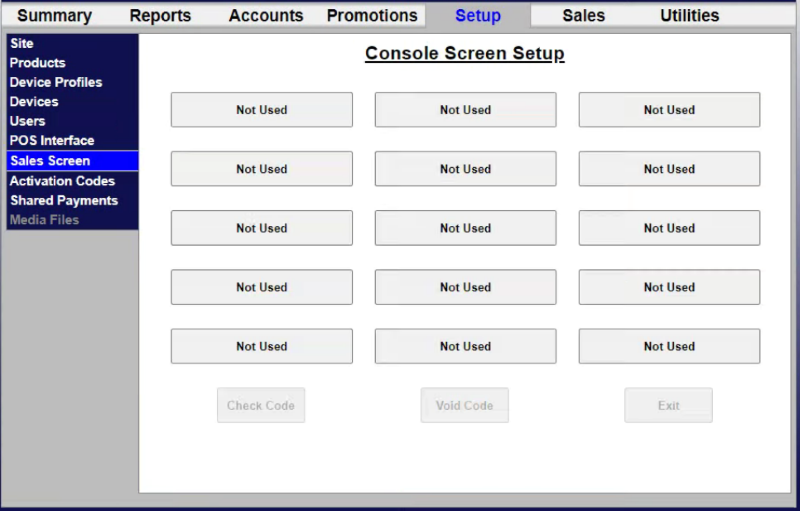
Edit Console Button
Selecting a button from the Console Screen Setup panel opens the Edit Console Button panel.
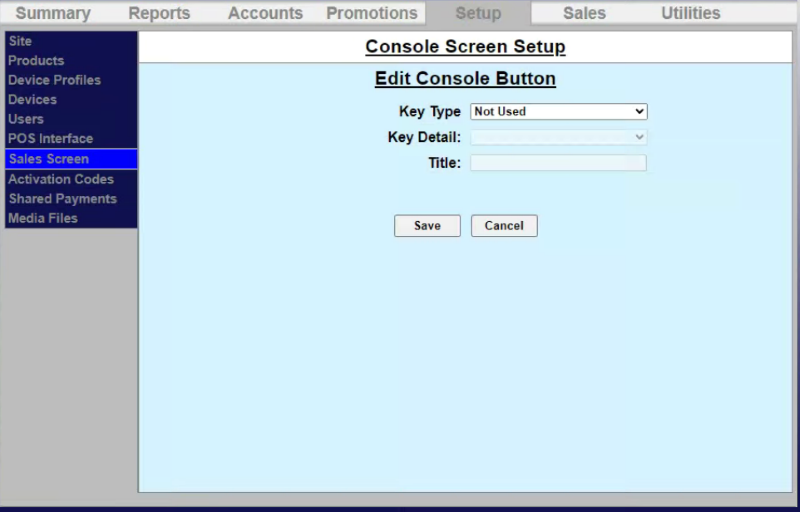
Key Type
The Key Type setting provides the ability to specify the button's function:
- Product
- Report
- Account
- Reload
- Rewash.
Key Detail
The Key Detail setting provides the ability to select the wash package or report type.
Title
The Title setting provides the ability to specify a label for the button.
Note: This field is limited to 16 characters, and certain functions are automatically named.
Save
The Save function provides the ability to save the current changes.
Cancel
The Cancel function provides the ability to abandon the current changes, close the Edit Console Button panel, and open the Console Screen Setup panel.
Updated: 042626